

To use crypticstreet .com gadgets pages well, start at the Gadget Guides menu item of crypticstreet.com, then work through a short checklist before you follow any advice. The steps below show how to find, vet and use those guides.
| Where are the gadget pages? | Gadget Guides in the main menu |
| Other menu sections | Games From The Crypt, Crypto News |
| Contact route | A Contact Us page exists |
| Team page | Called About The Crew |
| Steps in this guide | Five |
Step 1: open the right section of crypticstreet
The menu at crypticstreet.com reads Home, Games From The Crypt, Gadget Guides, Crypto News, About The Crew and Contact Us. Gadget Guides is the section you want. Searching with a space before the dot, as in crypticstreet .com, takes you to the same site.
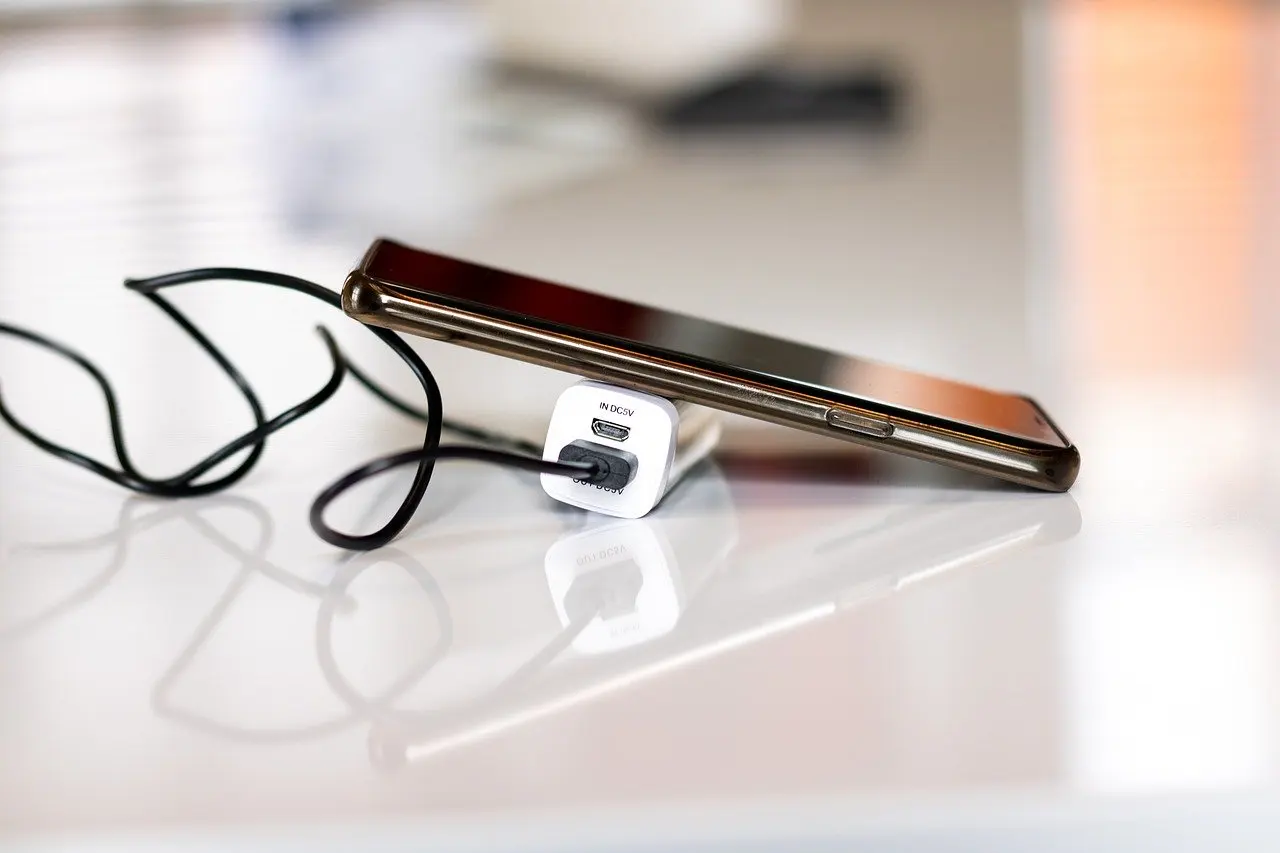
The home page also has an “All tech” block where gadget stories appear, such as a guide to charging an iPhone XS Max faster.
Before you begin, decide what you want from the guide. Some visitors need a fix for a broken device, some want a buying comparison, and some only want to know whether the site is trustworthy. Writing the goal in one line stops you from drifting into the crypto or game pages and makes the checks below faster to apply.
Step 2: read the crypticstreet user friendly guide to digital security
The site describes itself in its page meta as covering eerie games, must-know gadget guides and crypto news. Among the front-page items, several are about staying safe online. The phrase crypticstreet user friendly guide to digital security fits those posts, which include a piece on residential proxies and one on why an online cybersecurity degree matters. Read at least one of them in full, noting whether it explains terms in plain words.

Do not treat the title alone as endorsement. The site does not say who tested what.
Step 3: check the author and the date
Home-page cards show an author name, a reading time and a number beside it. Two bylines recur: Zalvyrith Krynak on the newer tech items and Mandy Macintyre on older game guides. Open the post and look for a date; if the gadget model is several years old, the advice may be too.
Dates matter more than most readers assume. The home page shows posts that look recent beside others carrying large counters from earlier years, such as a guide to the Ultima Weapon in a Kingdom Hearts title, so the site holds both fresh and old material. A guide from years ago may still be fine for a game that does not change, but for a gadget or security topic it is a risk. Prefer pieces with a clear recent date and name the model.
If a guide gives no date at all, look for clues: version numbers, mentions of current software or a copyright line at the foot of the page.
Step 4: follow the download caution
One of the site’s Editor’s Picks is titled “What to Check Before Downloading Files Linked from Game Guides”, which is a good rule for any site. Before opening a file from a guide:
- Check that the file comes from the game or gadget maker’s own site.
- Scan it with up-to-date security software.
- Skip anything that asks you to turn off protection.
You can also use the first two steps in reverse when a search brings you straight to a single article. Scroll to the byline, then use the menu to check which section it belongs to. A security piece filed under Gadget Guides will read differently from one filed under Crypto News, and the section often tells you the intended audience.
Step 5: reach the crypticstreet crew with a question
A post titled “How to Contact CrypticStreet About a Gaming Article” is listed among the picks, and the menu has a Contact Us page. The text read did not show an email address or form fields, so open the page itself. Mention the exact article title and the date you saw it, which helps the editors find it quickly.
If you follow the five steps above, a visit takes ten minutes and leaves you with a clear sense of whether a given guide is worth following. Keep notes on the article title, the author and the date, because those three details are what editors need if you write in, and what you will need if you want to check the advice against a second source.
A last practical tip: gadget guides are only as good as the model they describe. Match the exact model number on your device with the one named in the guide. A charging tip for one phone does not always apply to another, and a settings path often changes between software versions.
Finally, remember what this guide does not know. Only the home page text came through, so it cannot say how long individual guides are, whether they carry affiliate links or how often the team replies to messages. Anything you decide to rely on should be checked against the maker of the gadget or the publisher of the game.
If a guide mentions a setting, try it on one device first and note what changed, so you can undo it. Small, reversible steps are the safest way to follow advice from any website, and they also give you something concrete to report if you contact the crew.
Common questions about crypticstreet gadget guides
Does crypticstreet sell gadgets?
No store was visible. It publishes guides.
Is the crypto news financial advice?
It should be read as general news only. Check official sources before moving money.
Are the guides current?
Some are older, as the game guides carry visible counters from earlier years, so check dates.
Who runs the site?
An About The Crew page exists, but its text was not readable in the material reviewed, so no owner is named here.